In Depth
Virtual RAM on phones: what swapping to flash actually changes
Updated
Extending memory into storage is real, useful and misrepresented. What it does for app retention, what it cannot do for speed, and what it costs the drive.
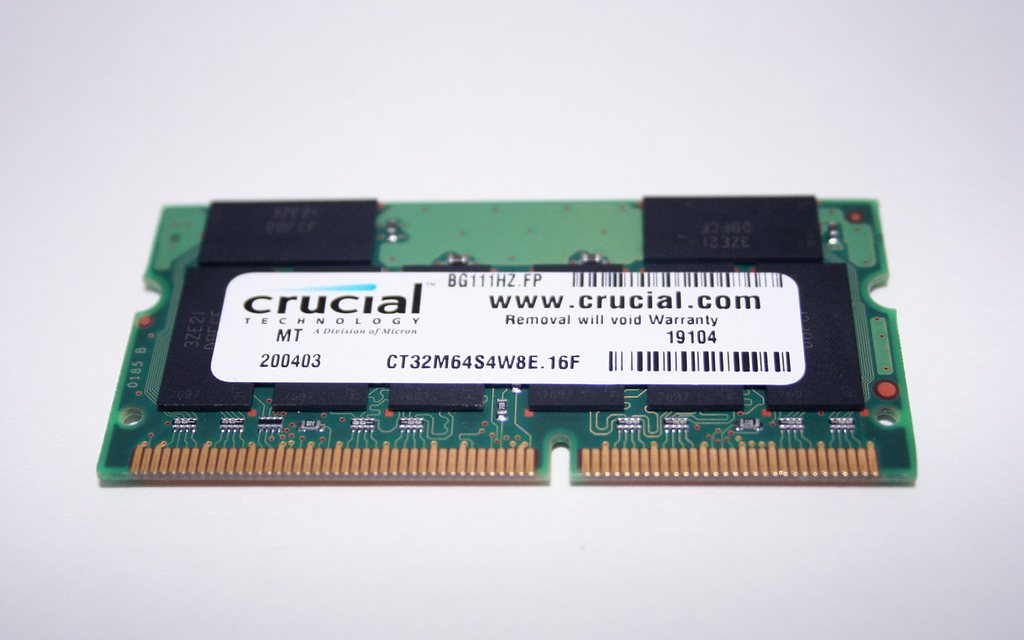
Phones advertise memory as a sum: so many gigabytes, plus so many more of virtual or extended memory. The second figure is storage being used as an overflow for the first, and it is neither the fraud that sceptics claim nor the upgrade the marketing implies. It is a specific trade, and the trade is worth understanding because it decides whether the feature helps you or not.
What swapping does
When physical memory runs short, the system has to free some. It can discard pages it can reconstruct — code loaded from a file, for instance — or it can write pages it cannot reconstruct somewhere else and read them back on demand. The second is swapping, and the "somewhere else" on a phone is the internal flash storage.
Android has used compressed in-memory swap for years: pages are compressed and kept in RAM, trading processor time for space, with no storage involved. The newer feature adds a second tier in flash. Pages that have not been touched for a long time are written out, freeing real memory for the foreground.
The numbers that matter are latencies
Physical memory answers in nanoseconds. Flash answers in microseconds to milliseconds — orders of magnitude slower, and slower still when the drive is busy or nearly full. A page fetched from swap is therefore not "memory" in any performance sense. It is a way of keeping something available at all, rather than a way of keeping it fast.
What it actually improves
App retention. The visible benefit of extended memory is that a browser with many tabs, a chat application and a game can all still be resident, so returning to one of them resumes rather than restarts. On a phone with modest physical memory, that is a genuine improvement in how the device feels over a day of use.
What it does not improve is anything that was already fast. Launch times for an application already in memory, frame rates, camera capture speed, general responsiveness — none of these are memory-bound in the way swapping addresses. A phone with ample physical memory gains close to nothing, which is why the feature is most prominent on mid-range models.
The costs
- Storage space. The swap area is reserved and unavailable for your files. On a phone that is already short of room this competes directly with you, and a nearly full drive is slower at everything — see where storage goes.
- Write endurance. Flash cells tolerate a finite number of write cycles. Swap is a write-heavy workload by nature. Modern storage has enough endurance that a phone will normally be replaced long before this matters, but it is a real cost rather than an imaginary one.
- Latency spikes. Returning to an application whose pages were swapped out produces a pause while they are read back. On a slower storage type the pause is noticeable, and it lands precisely when you are looking at the screen waiting for something.
Should it be on
On a phone with limited physical memory, yes, and at a modest setting rather than the largest offered. The gain is in retention, and the first increment delivers most of it while the largest setting mostly consumes storage and write cycles.
On a phone with generous memory, the feature changes little in either direction, and the simplest answer is to leave whatever the maker chose. On a phone whose storage is nearly full, turn it down or off until you have reclaimed space, because you are asking a congested drive to do extra work.
Reading the specification honestly
When a specification sheet reads as one figure plus another, only the first is memory. Compare handsets on the physical figure, treat the extension as a feature rather than as capacity, and be wary of a large extension on a phone with a small physical allocation: it is a sign of where the budget went. The storage type matters here too, since a faster storage standard makes swapping less painful — a detail worth checking on the specification sheets alongside the memory figures themselves.
The wider point is that memory pressure is a symptom of how much a phone is asked to keep alive, and the largest single influence on that is how many applications are permitted to run in the background. The settings that govern it are the same ones that decide whether notifications arrive on time, which is covered in the notifications piece.