In Depth
Adaptive refresh rate, LTPO and why a 120Hz phone still stutters
Updated
The panel is only one of three things that have to agree. What the refresh rate range means, why applications get stuck at 60, and what the setting labelled auto is really choosing.
A phone advertises a high refresh rate, the settings confirm it is enabled, and scrolling is still not smooth — or is smooth in one application and not in another. The refresh rate is a property of the panel. Smoothness is a property of the whole chain: the panel, the system compositor and the application, all of which have to deliver on time, every time.
What the refresh rate is and is not
The refresh rate is how many times per second the display can present a new image. It sets a ceiling on smoothness and guarantees nothing. If the application produces a new frame only sixty times a second, a panel running at a hundred and twenty shows several of them twice, and the motion is exactly as smooth as sixty. A high refresh rate is an opportunity, not an outcome.
It also changes how the screen responds to touch, which is a separate specification: the touch sampling rate. A panel that refreshes quickly but samples touch slowly still feels sluggish under the finger, and the two figures are often quoted together for that reason.
Why adaptive panels exist
Driving a panel at a high rate costs power continuously, whether or not anything is moving. Adaptive panels lower the refresh rate when the content is static and raise it when it is not. The difference between a conventional panel and an LTPO one is how far down it can go and how quickly it can change: the backplane technology allows a much wider range, down to a handful of refreshes per second on a still image, which is what makes an always-on display affordable in power terms.
The range is the specification to read. A panel described as adaptive between two relatively close values saves far less than one that can drop to a very low rate, and the two are often described with the same marketing word.
The switching itself can be visible
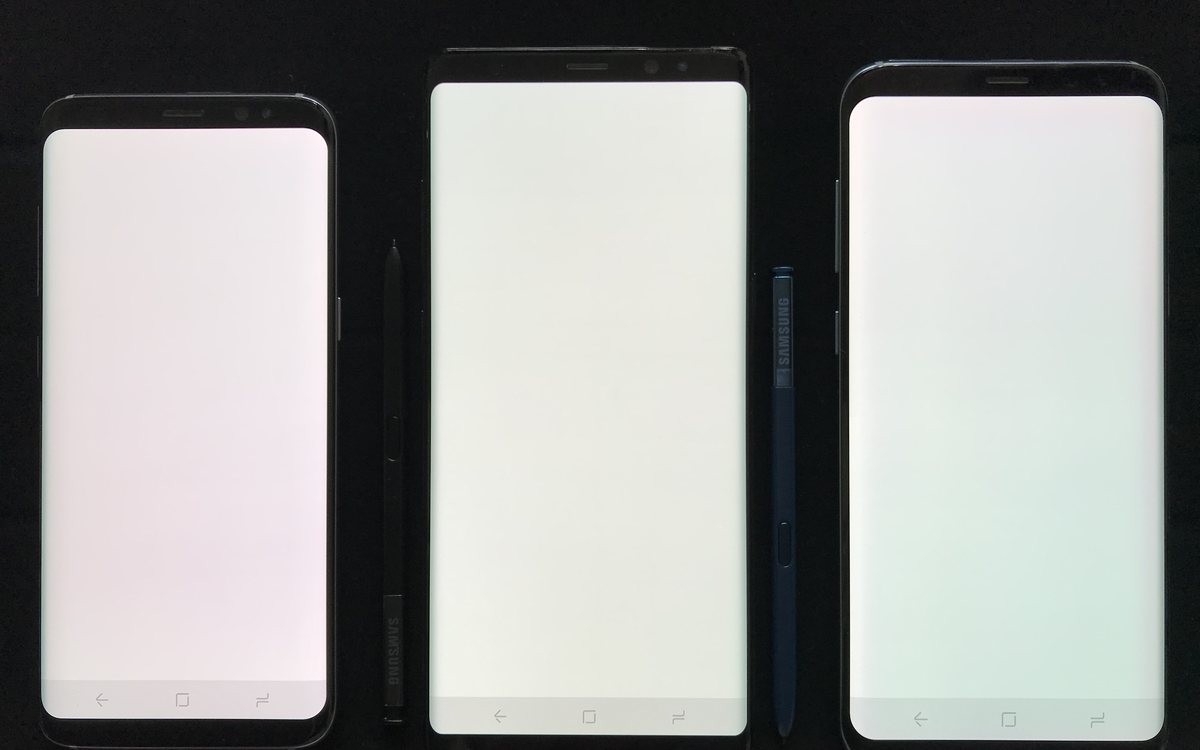
Changing refresh rate changes how the panel is driven, and on some displays the transition produces a brief shift in brightness or colour. A steady rate is sometimes more comfortable than an adaptive one, which is what the manual setting is for.
Why an application gets stuck at the low rate
- The application asks for it. An application can request a specific rate, and many video players do — matching the panel to the content's frame rate avoids judder.
- The system decides. Battery saver modes cap the refresh rate, and several phones drop to the base rate when the battery is low or the device is hot. A phone that is smooth in the morning and not in the afternoon is usually thermal; the mechanism is in the throttling piece.
- The content does not warrant it. A static page does not need a hundred and twenty refreshes, and a well-behaved adaptive panel will not deliver them. This looks like a fault and is the feature working.
- The application is not keeping up. A heavy page or an overloaded processor produces frames late, and a frame delivered late is worse than one delivered at a steady lower rate.
The stutter that is not about refresh rate at all
Consistency matters more than peak rate. A sequence of frames delivered at even intervals looks smooth; a sequence delivered unevenly looks bad even when the average is high. This is why a phone with a modest refresh rate and a well-tuned system can feel better than one with an impressive number and an unpredictable one, and why an occasional long pause — a background task, a storage read, a page swapped back from flash, as in the virtual memory piece — is far more noticeable than a uniformly lower rate.
Settings worth choosing deliberately
If battery life matters most, leave the panel in its adaptive mode: it is the whole reason the technology exists. If you find the switching visible, or you want the steadiest possible motion, pin the rate high and accept the cost. Pinning it low is a real option on a phone whose battery is tired.
And when comparing two handsets, read three figures rather than one: the refresh range, the touch sampling rate, and whether the high rate is available at full screen brightness and full resolution — on some models it is not, and the restriction is rarely on the box. The specification index is the place to line them up.